Quote it, send it, win it
Build a clean quote in minutes. Send it by text. The customer approves with one tap, and it turns into a scheduled job.
Built in minutes
Pick services, set the price, add a note. The quote is ready.
Sent by text
The customer gets a link, not an attachment. They open it on their phone.
Approved with a tap
One tap to accept. The approved quote becomes a job on your calendar.
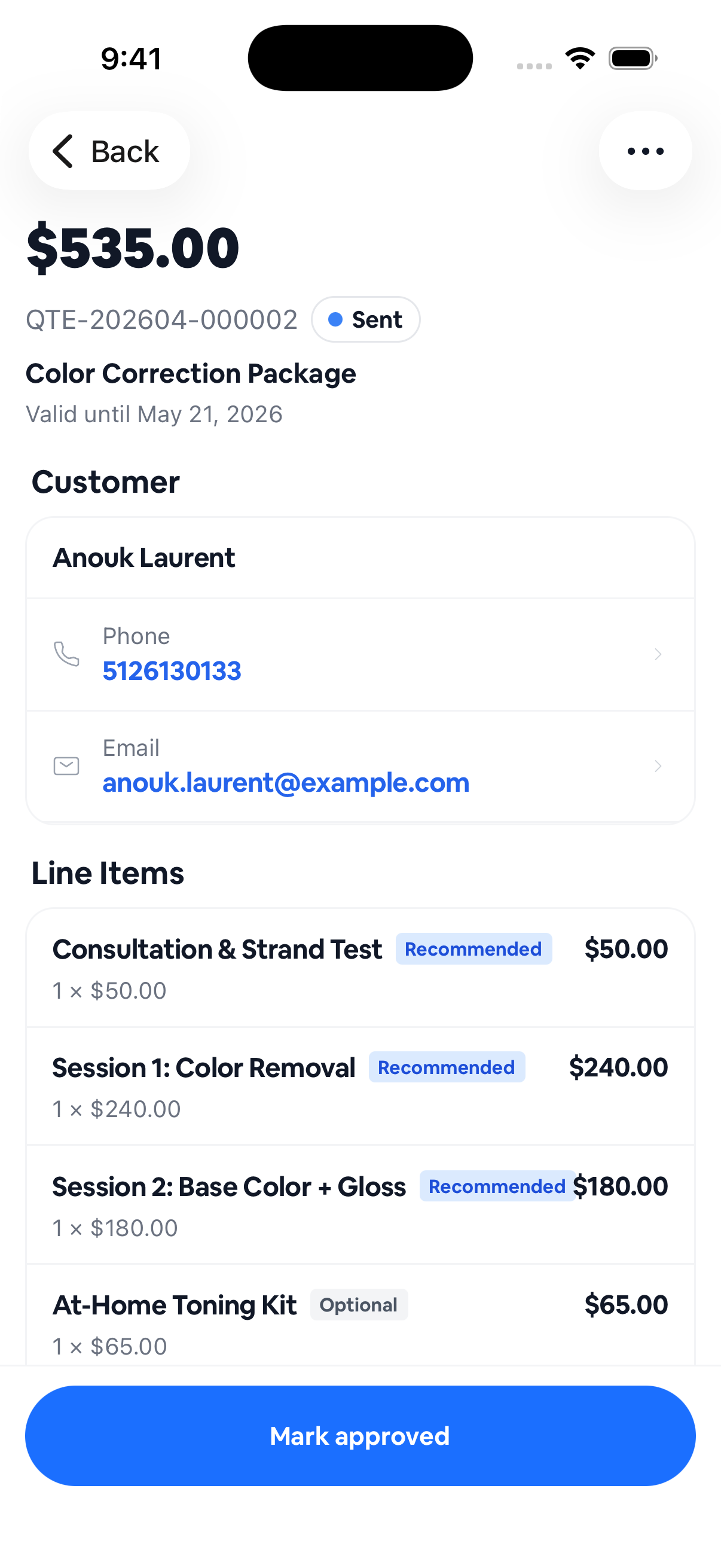
A quote that looks the part
Add services from your price list, adjust the numbers, drop in a note. It reads like a real business document, not a text message.
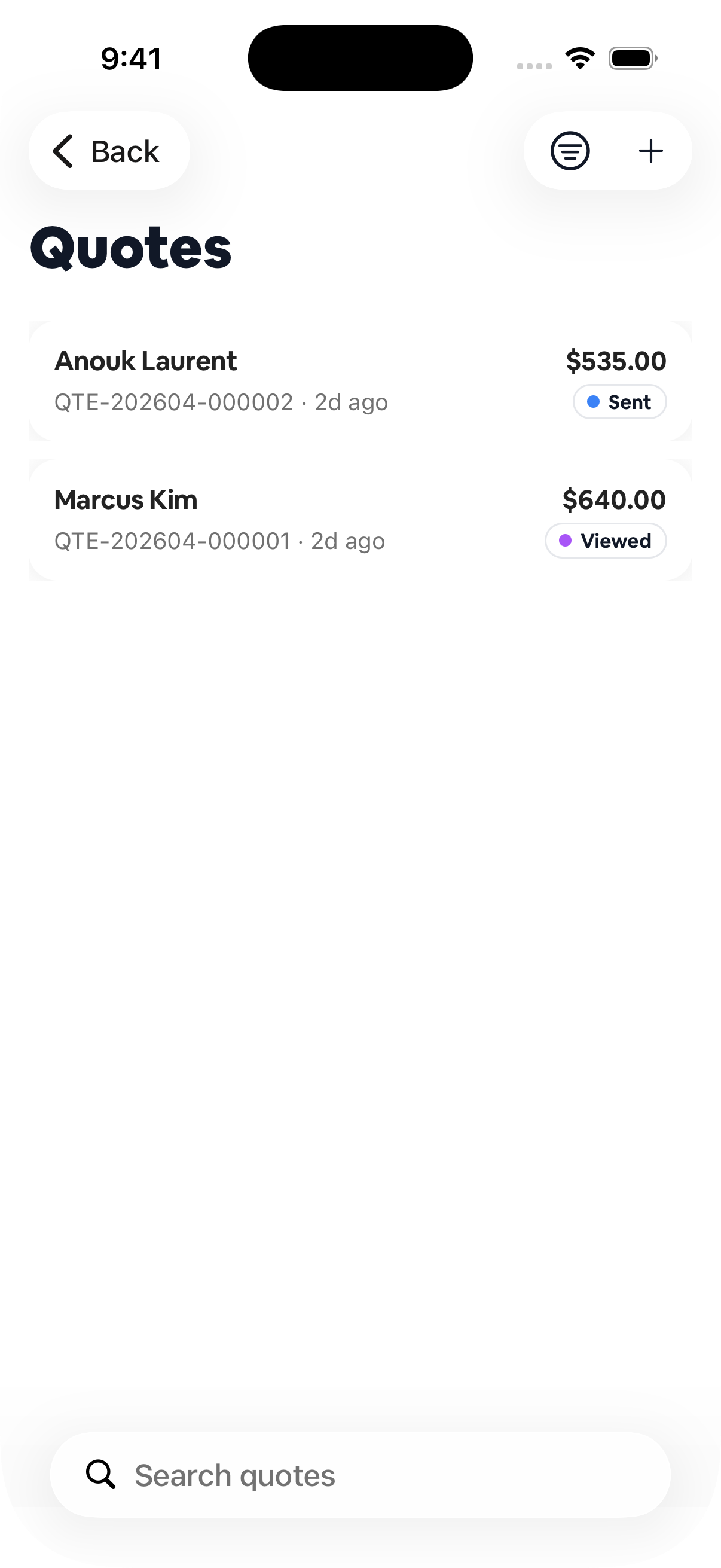
Know where every quote stands
Sent, viewed, approved, or expired. See the whole list at a glance and follow up on the ones that have gone quiet.
How it works
Build the quote
Pick services from your price list and set the total. No spreadsheet, no math.
Send it by text
The customer gets a link they open on their phone. No PDF to download.
It becomes a job
They tap approve. The quote turns into a scheduled appointment on your calendar.
Frequently asked
Can a quote turn into an invoice? +
Yes. An approved quote carries its line items straight into the job and the invoice. No re-typing.
Do customers need an account to approve a quote? +
No. They open the quote from a link and approve it right in the browser.
Can I set quotes to expire? +
Yes. Add an expiry date so stale quotes don't linger.
Which plan includes quotes? +
Quotes are part of Core, included with everything else you need to run the business.