
Key takeaways
- Build reusable exercises and workouts, then bring them together in a program.
- Assign habits to existing customers, including people who have not joined the member app yet.
- Open the weekly completion totals to see the members and activity behind them.
Use Meep Train to create programs, workouts, and exercises, assign habits to customers, and review the completions members record in their app.
This guide follows the current trainer flow in Meep’s private testing release. Meep Train is coming soon. The walkthrough below illustrates that workflow using existing coaching content, with the same data available in the web app.
Follow a workout from library to member app in the program walkthrough below. Then see how workout editing and habit completions look in the actual app. The examples use existing coaching content and do not edit any records.
Create programs from your workout library
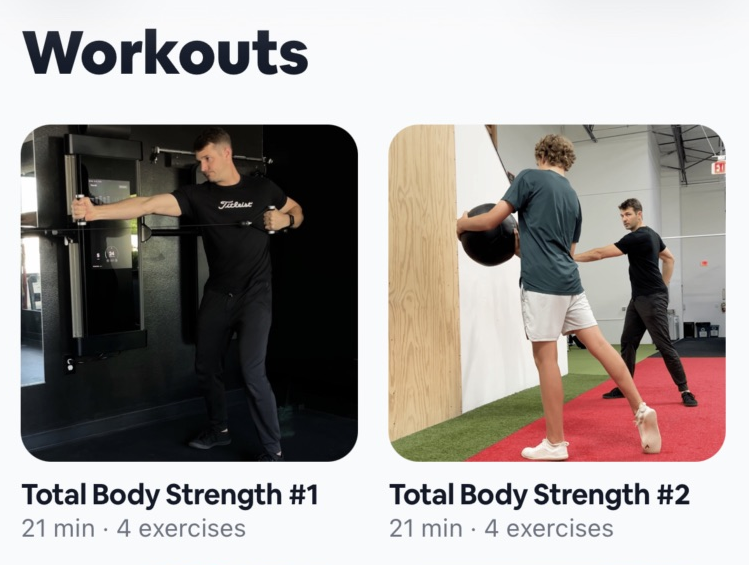
Choose a workout from your library
Start with a workout from your library. It can belong to a bigger plan without rebuilding the session.
Add workouts to a program
Bring Total Body Strength #1 into the program’s suggested week. The workout stays recognizable.
View workouts in the member app
The same session appears in the member app, with its cover, duration, and exercises. Members can train when it fits their day.
Program
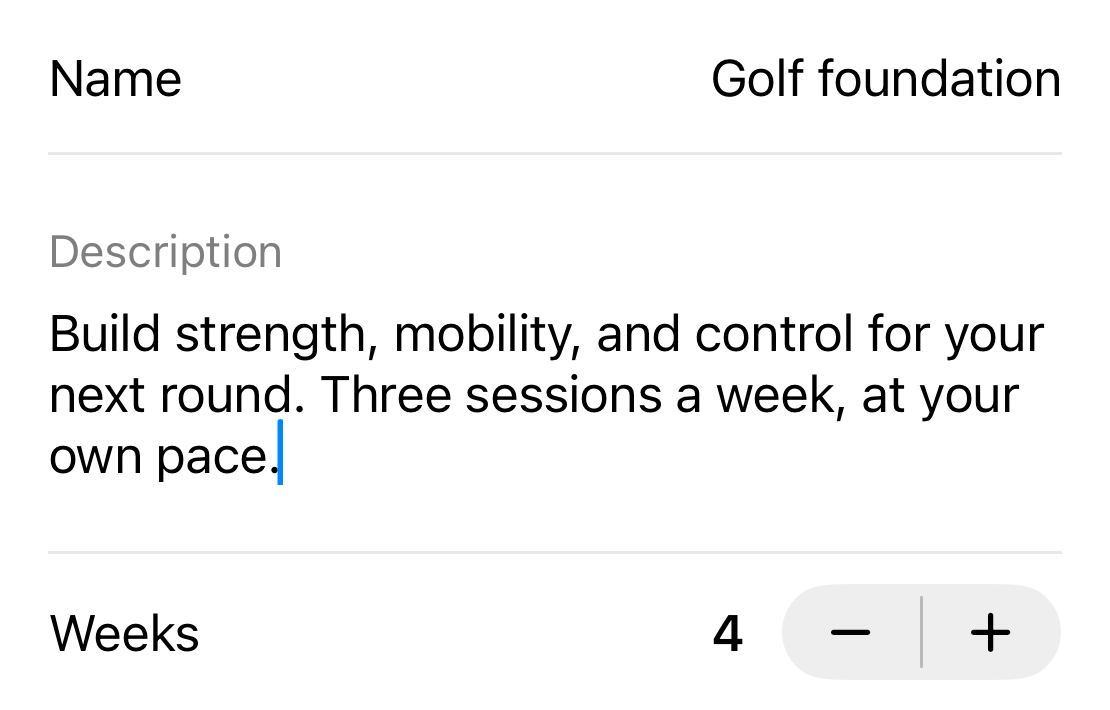
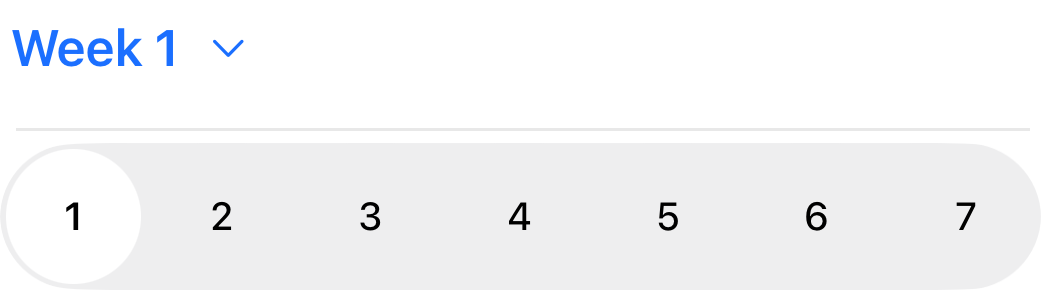
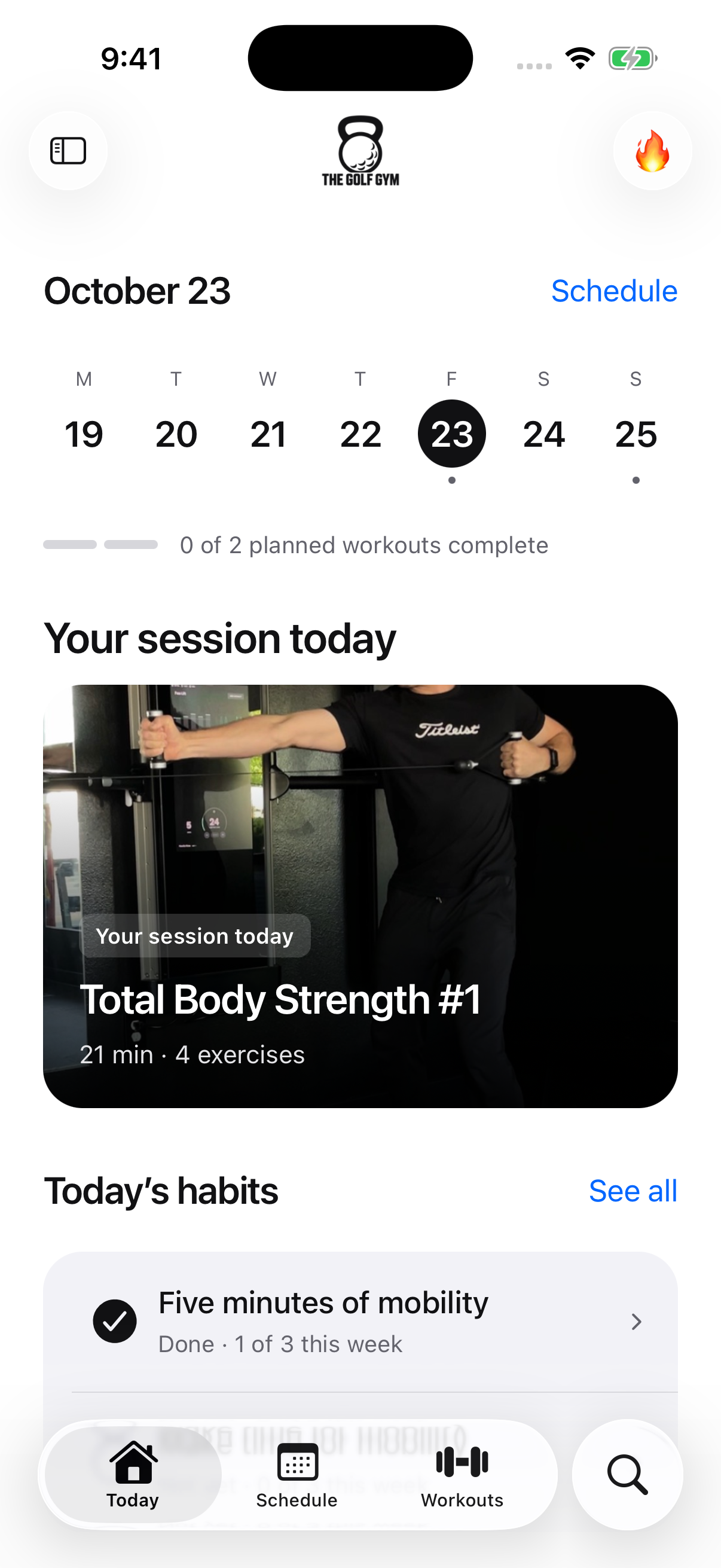

Illustrated program assembly using the existing Total Body Strength #1 workout. Library, program fields, schedule controls, and the workout row are cropped from actual Meep captures and grouped for this walkthrough. The member view is an actual app screenshot of the same workout. Week placement illustrates the flow and does not change the saved plan.
Open Training from Meep’s navigation. Your program, workout, and exercise libraries stay together on the overview, with See all links when you want the full collection. Use the plus menu to create something new.
Name the program
Add its description, cover, and duration so the plan is easy to recognize.
Bring in the workouts
Use sessions from your library and arrange them into suggested weeks and days.
Keep the cadence flexible
The weekly plan is guidance. Members can start a workout when it works for them, regardless of the suggested day.
Exercises are the reusable movements. Workouts combine those movements into a session. Programs give the sessions a longer-term structure. You can work on each without rebuilding the others.
Manage exercises, media, and set targets
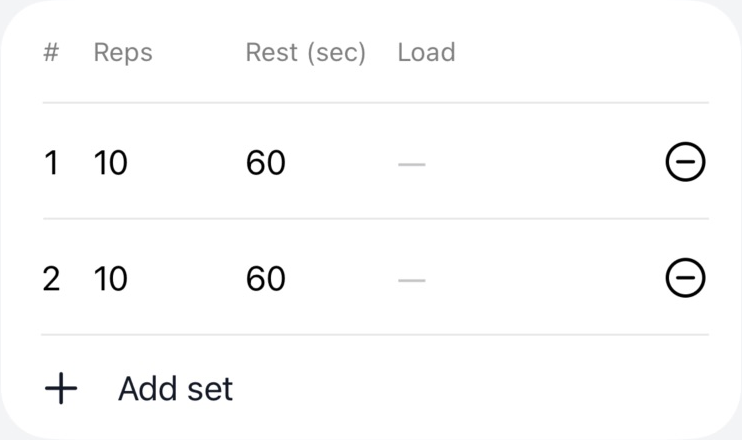
Open a workout, then add an exercise from the library. Set its sets, reps, and rest, and expand the movement when individual sets need a different prescription. Reusable exercise defaults give each movement a starting prescription; individual workout sets can override it. Coaching notes stay with the exercise rather than becoming a separate document to keep updated.
Add a cover or a demonstration using your shared Media library. Choose an existing hosted video or upload one, then attach it to the training it supports. You can reuse the same media in another workout or program.
Assign and manage customer habits
Open Manage habits from Training, then assign a habit. Give it a clear name, add a coaching note, choose the customer, and select the days it should appear. Five minutes of mobility is the example shown here: small enough to understand and specific enough to check off.
Member app
Coach view
The customer picker includes people who have not joined the member app. App access and Not joined labels make that distinction visible. You can assign a habit before someone joins; the assignment is ready when their member account is linked. Assigning it does not send an invitation.
Return to habit management to adjust or pause a routine as the coaching changes.
Review member activity and completions
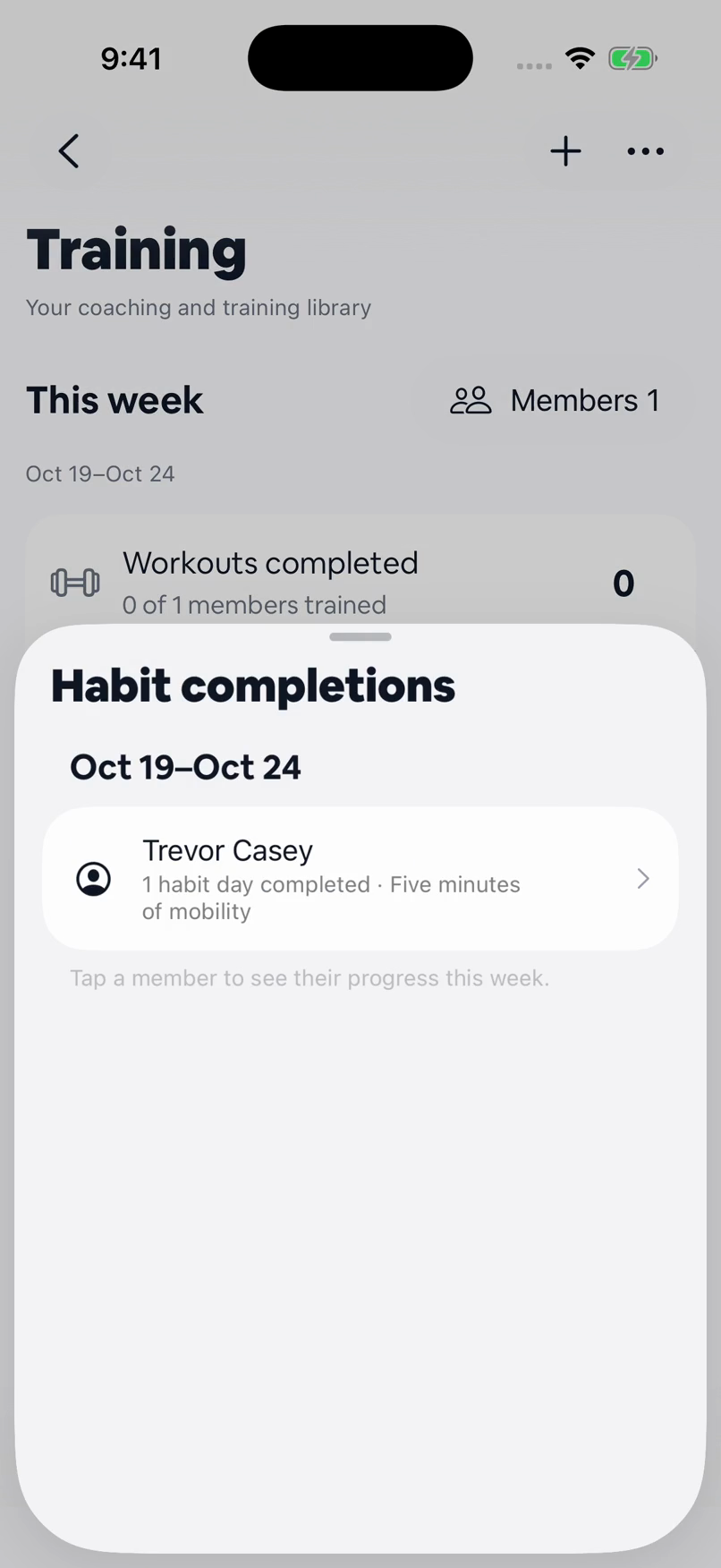
Members see their scheduled habits in their app and can mark one complete. That completion syncs back to the coaching overview. In the verified flow shown above, Five minutes of mobility is marked Done in the member app and appears in the coach’s habit-day total.
Tap Workouts completed, Habit days completed, or Check-ins shared in the Training overview to open the members behind that total. Open a member to see their weekly activity, assigned habits, and recent progress. The web overview offers the same completion drilldowns.
Habit totals count scheduled days through today, so future days do not look overdue. Workout logs and check-ins are records to start a conversation with; an empty log on its own does not explain why someone has been quiet.
FAQs
Is this a new Meep mobile app? +
No. This guide previews the Training workflow for Meep Train, inside Meep. The trainer manages content and coaching in Meep; members use their member app to follow workouts and record progress. Meep Train is coming soon.
Can I assign a habit before a customer joins? +
Yes. Choose the existing customer, even if they are labelled Not joined. The assignment becomes available when their member account is linked. Invitations are a separate action.
Are the suggested program days mandatory? +
No. The weekly layout gives members a suggested cadence. They can start a workout whenever it fits their schedule.
Do saves immediately change the member’s program? +
Training content is saved as a draft, with publishing handled separately. Habit assignment and management are separate coaching actions; do not treat a content draft as a pause on those assignments.
General information for small business owners, not legal, tax, or financial advice. Last updated October 28, 2026.