Key takeaways
- Claim your business from Business Hub in ChatGPT and verify it with your business phone, email, website or Shopify store.
- Once OpenAI approves the claim and your photo ID check, you can edit your details, see Insights and get the blue check.
- ChatGPT may use other sources too, so make Google, Yelp, Apple and Bing say the same thing.
Picture a homeowner who finds ants in the kitchen. Instead of opening Google, they ask ChatGPT, “who’s a good pest control company near me?” OpenAI says 1.2 billion people use ChatGPT each week. If your business comes up, ChatGPT describes it with whatever it could find. That might be an old logo, a vague description or a website you stopped using.
On November 10, OpenAI launched a beta that lets owners claim their business in ChatGPT through Business Hub. You prove it’s yours, OpenAI reviews it, and then you give ChatGPT your real details. You don’t need an ads account.
What you need
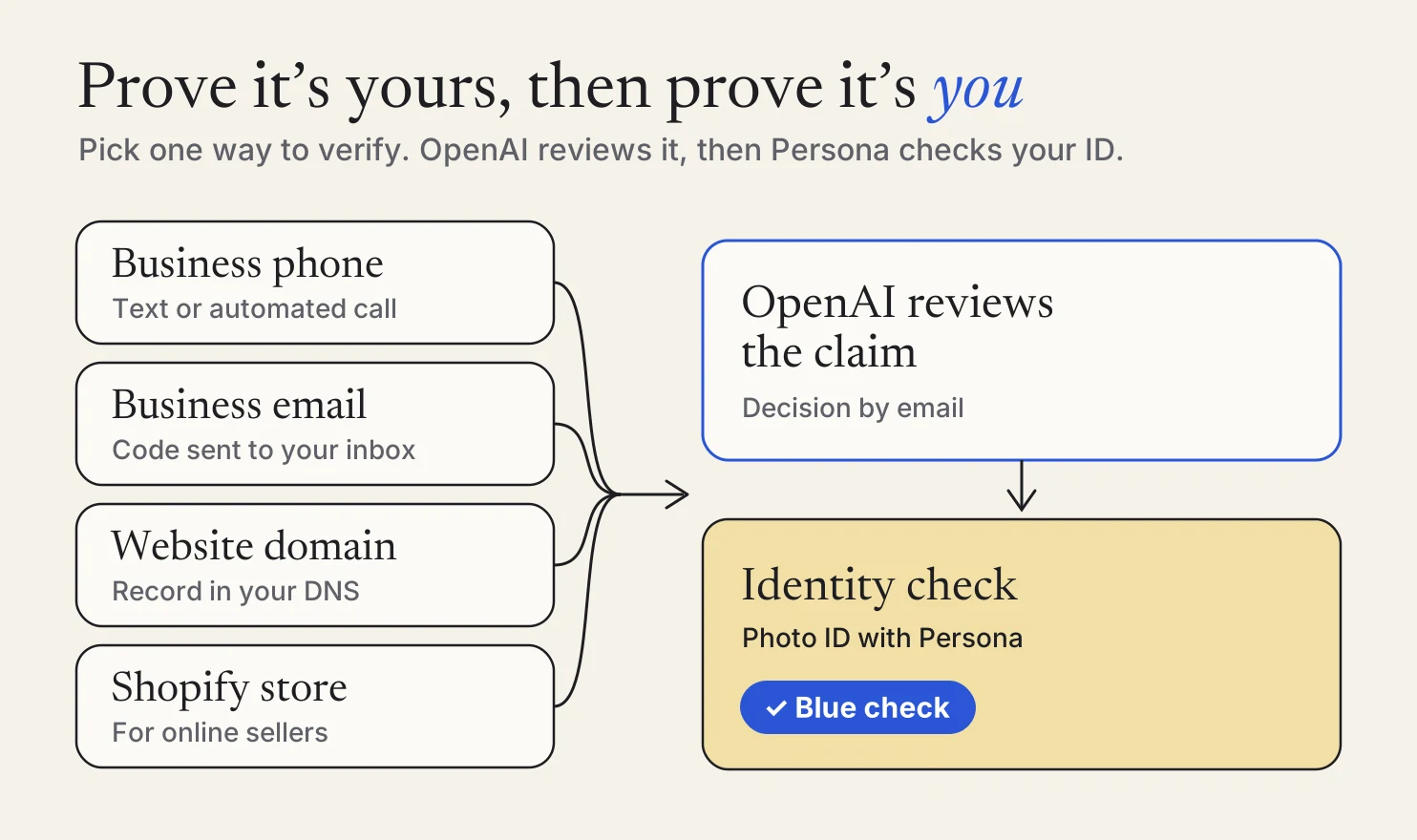
- A way to prove it’s yours. Your business phone, business email or access to your website. Online sellers can use their Shopify store.
- A photo ID. After OpenAI approves the claim, an identity check unlocks editing. It may also ask for business registration details and proof that you can represent the business.
- A listing to claim. Local stores and restaurants can currently claim only an existing U.S. listing. If ChatGPT already shows your business, you’re set.
Claim it
Open Business Hub
Sign in to ChatGPT and open Business Hub from the sidebar. OpenAI’s setup guide covers each step in more detail.
Find your business
Search by name and pick your listing. Online businesses that don’t find one may see an option to add it.
Choose who manages it
The ChatGPT account you pick becomes the admin. It can add teammates later.
Prove it’s yours
Most local businesses will pick a text or automated call to the business phone. You can also use a code sent to your business email, a record in your website’s domain settings, or your Shopify store.
Wait for OpenAI
OpenAI reviews the claim and emails you a decision, or asks for more information.
Prove it’s you
After approval, select Verify with Persona and follow the prompts. When OpenAI approves it, your listing gets the blue check.
Give it your real details
Open your profile and fill in your website, your product or service category, a short description and your logo. You can add a cover photo too.
OpenAI reviews changes before they go live, so give them time to show up. Claiming lets you manage what ChatGPT has about you. It doesn’t guarantee ChatGPT will recommend you more often.
See how often you come up
Insights in Business Hub covers the last 28 days. It shows how often ChatGPT mentions your business, how many people click through to your website and the topics that come up when it does. For a local business, a mention counts when ChatGPT shows a result for your location.
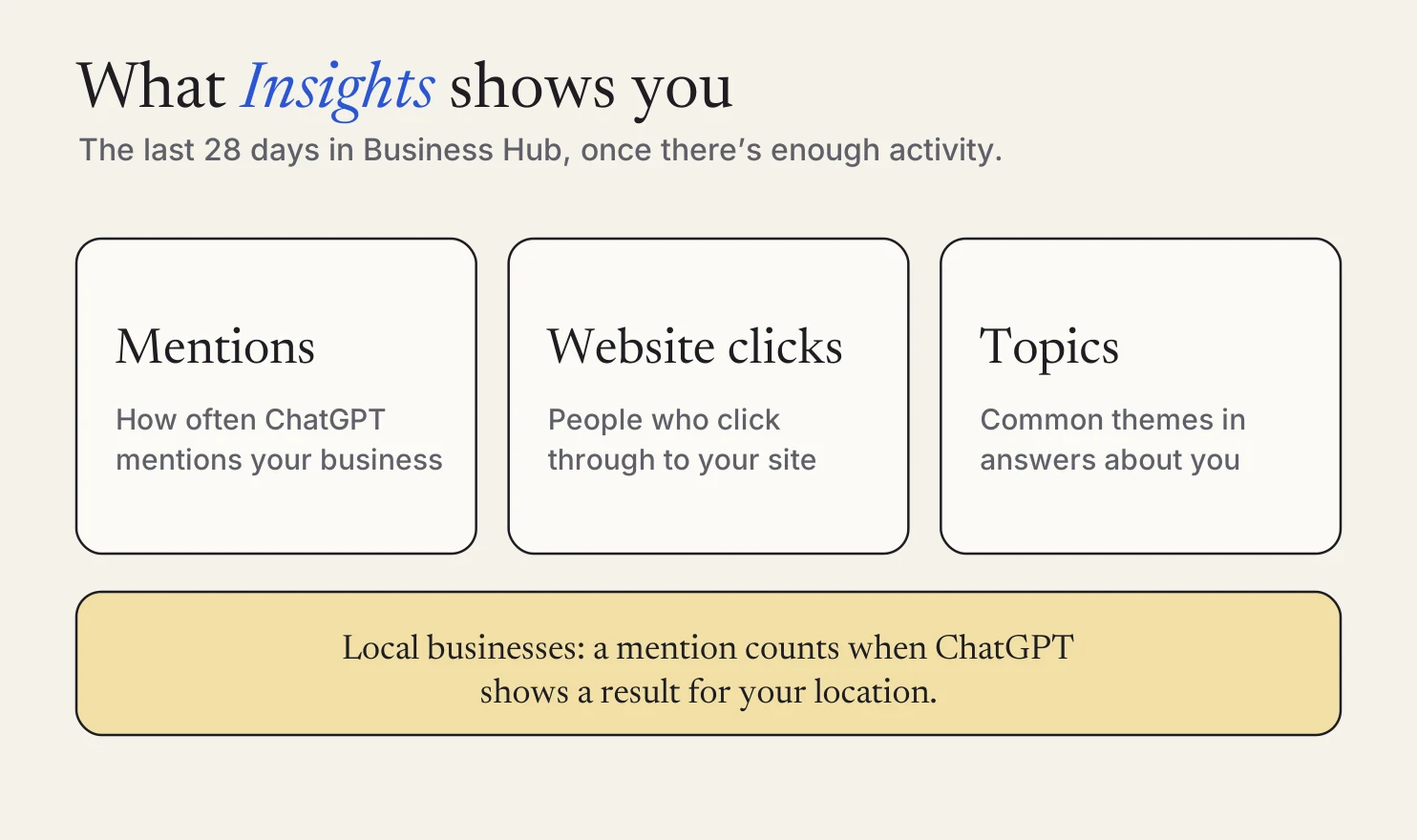
Numbers appear once there’s enough activity. A blank number at first doesn’t mean nobody asked.
Make every listing say the same thing
ChatGPT may use other sources when it answers questions about your business. Your listings on other sites are the ones you can fix. If one says you close at 5 and another says 6, a customer can get the wrong answer. Check these four:
- Google Business Profile
- Yelp for Business
- Apple Business, which covers what shows up in Apple Maps
- Bing Places for Business
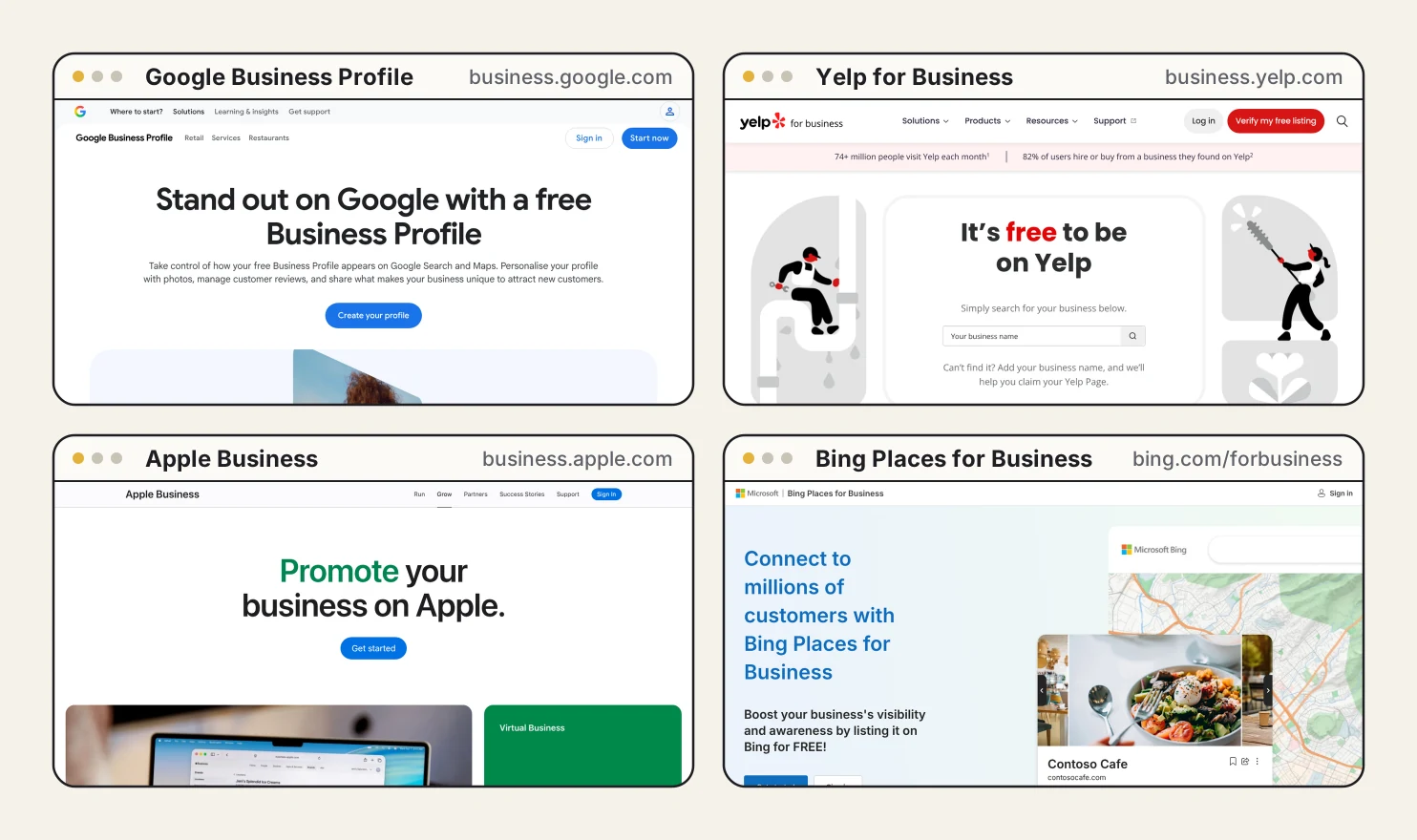
On each one, check four things:
- The same business name, spelled the same way.
- The same phone number. Old photos of trucks or signs can still show an old number.
- The same hours and service area.
- Your real logo and a few good photos of your work. Remove photos that don’t show your business.
Haven’t claimed one of these yet? Claim it, so you can fix the details yourself.
If your website runs on Meep, that’s where these customers land. Keep its hours, services and phone number matching your listings too.
The short version
Claim your business in ChatGPT, give it your real details, and make Google, Yelp, Apple and Bing match. It’s an evening of work, and wherever an assistant looks, your details agree.
If you’re a Meep customer and want a hand lining up your listings, reach out. We’ll walk you through it.
FAQs
Do I need to run ads to claim my business in ChatGPT? +
No. OpenAI says claiming your business, publishing a business agent and advertising are separate. You don’t need an ads account to claim an eligible business.
My business doesn’t show up when I search. What now? +
Local stores and restaurants can currently claim only an existing U.S. listing. Eligible online businesses may see an option to add their business instead.
When do I get the blue check? +
Claiming alone doesn’t add it. The blue check appears after OpenAI approves your identity check with Persona.
Can someone on my team help manage it? +
Yes. The admin who claimed the business can add teammates in Business Hub, each with their own ChatGPT account, and can give an agency access.
Sources: OpenAI: Introducing Businesses in ChatGPT, OpenAI Help Center: Setting up your business on ChatGPT, Google Business Profile, Yelp for Business, Apple Business, Bing Places for Business.
General information for small business owners, not legal, tax, or financial advice. Last updated November 11, 2026.