Key takeaways
- Start with Google Business Profile. It’s free, it covers Google Search and Maps, and Bing can copy it for you.
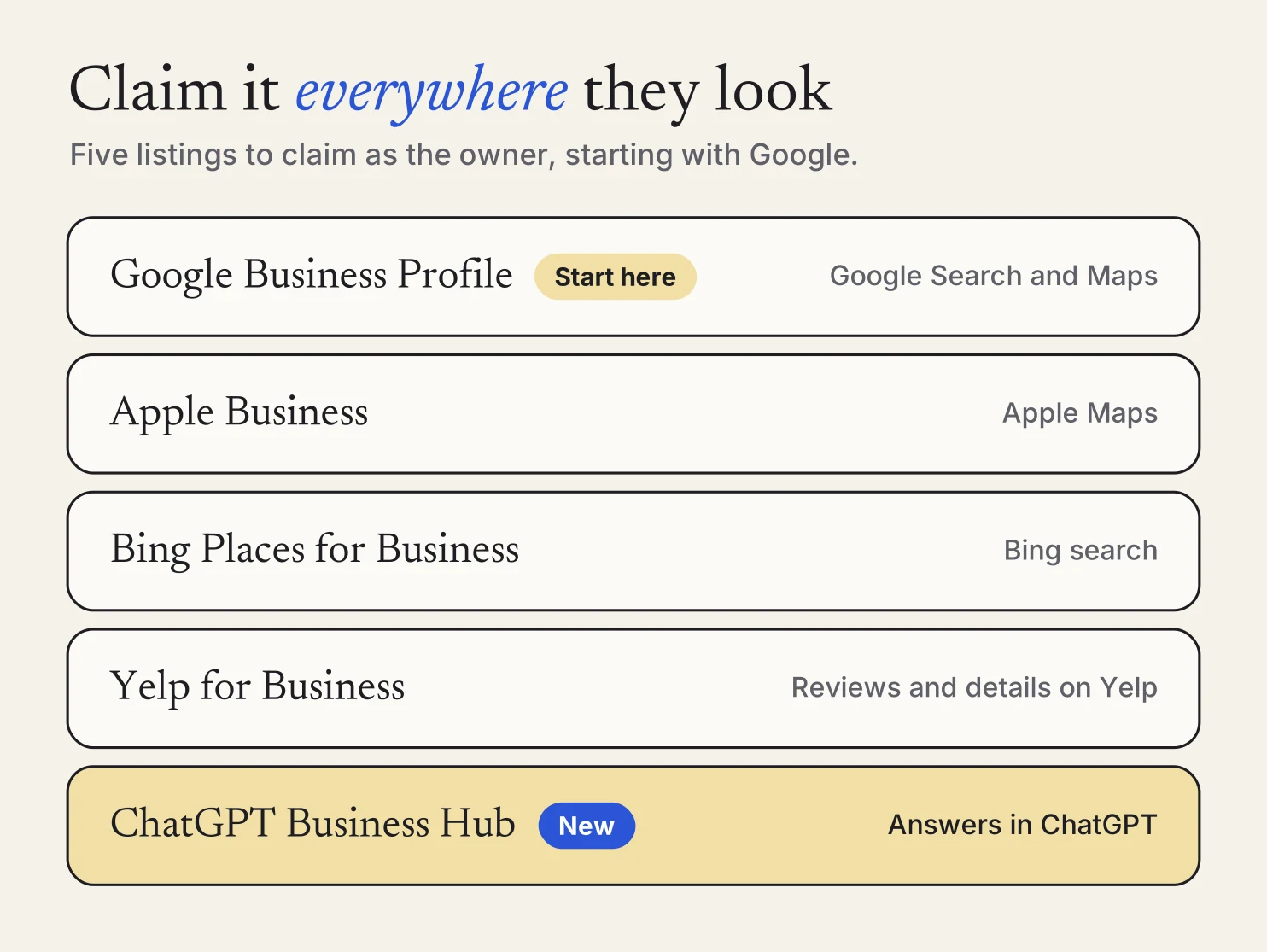
- Then claim Apple Business, Bing Places, Yelp and ChatGPT Business Hub, so you’re the one giving each of them your details.
- Use the same name, phone number, hours and service area everywhere. Bing says it may not publish changes that don’t match what it finds elsewhere.
When someone needs a plumber, a cleaner or a haircut, they don’t always start on your website. They search Google, open Apple Maps on their iPhone, read Yelp, or ask ChatGPT who to call. Each of those shows a card about your business, and each one gets its details from somewhere.
If you haven’t claimed a listing, it fills itself in from whatever it can find. That might be an old phone number, last year’s hours or a photo that isn’t yours. Claiming each one means you decide what customers are told.
Why claiming matters
An unclaimed listing still shows up. Bing, for example, says it builds listings from “many internal and external data sources,” and its owner tool is only one of them. ChatGPT may use other sources too when it answers questions about your business. Claiming is how your version becomes the one they trust.
It also costs nothing. Google, Bing, Yelp, Facebook and Nextdoor all say a basic listing is free, and none of them require you to buy ads to claim one.
Where to claim your business
Five listings cover most of the places customers look. Do Google first, because Bing can import it.
Google Business Profile
Why: This is the card people see when they search your name, or your service plus “near me,” on Google Search and Maps.
- Go to business.google.com/add to add your business, or find it in Google Maps and select Claim this business.
- Verify it. Google picks the method for you, such as a call or text to your business phone, an email, a video or a postcard. Reviews can take up to 5 business days.
- If customers don’t come to your address, remove it and list the cities or ZIP codes you serve. You can add up to 20.
Apple Business
Why: This is what iPhone owners see when they look you up in Apple Maps. Apple Business Connect is now part of Apple Business, so that’s where you start.
- Sign up at business.apple.com. Apple verifies your organization with two methods, such as your EIN, a record in your website’s domain settings, or a document like a business license or utility bill.
- Add your location with its name, address, map pin, category, phone and hours. If Apple Maps already shows you, Apple may offer to verify it with a call to the number it has on file.
- Apple says verification can take up to five business days, and you have 60 days after signing up to finish it.
Bing Places for Business
Why: Bing shows its own business listings in search results and pulls them from many sources. Claiming makes sure the details come from you.
- Go to Bing Places for Business, search for your business, and claim it or create a new listing.
- Take the shortcut: choose Import from your Google Business Profile. If Google already verified you, Bing verifies the import automatically. After that you edit in Google, and Bing picks up the changes when it syncs.
- Without the import, Bing sends a PIN by phone, text, email or mail. New listings and changes usually publish in 7 to 12 days in North America.
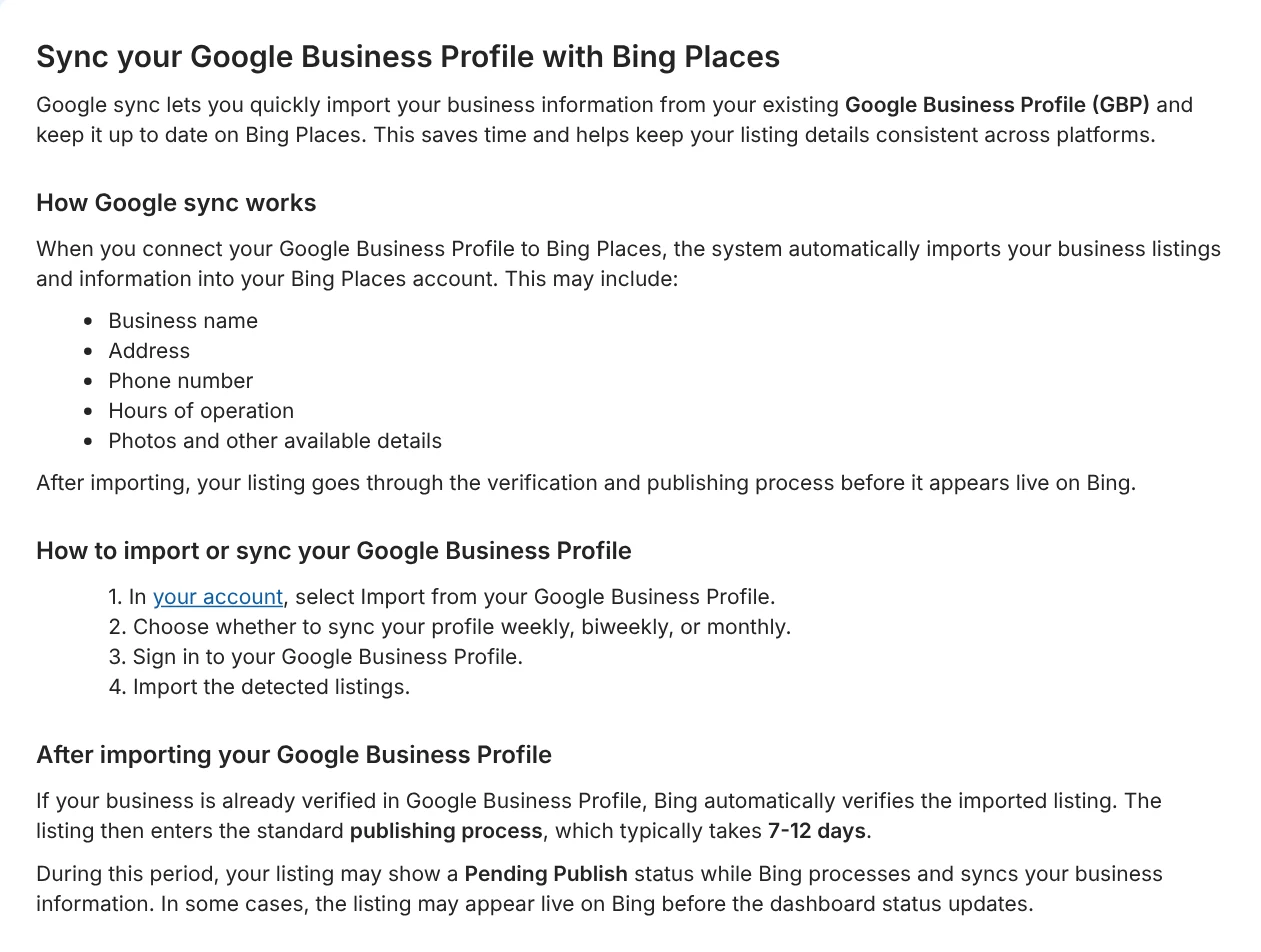
Yelp for Business
Why: Yelp is where plenty of people read reviews before they call. A claimed page lets you update your hours, add photos and respond to reviews.
- Go to biz.yelp.com/claim and find your business. If it isn’t there, you can add it for free.
- Verify with a code by email, by text, or by a call to the number on your page.
- Log in now and then. Yelp says a claimed page can switch back to unclaimed if nobody logs in for 90 days.
ChatGPT Business Hub
Why: Customers can now ask ChatGPT who to hire, and OpenAI lets owners claim their business in Business Hub and give ChatGPT their real details. Sign in to ChatGPT, open Business Hub, find your listing and verify it with your business phone, email or website. Local businesses can currently claim only an existing U.S. listing.
We walk through every step, including the photo ID check, in how to claim your business in ChatGPT.
Also worth a few minutes
- A Facebook Page. Meta says a Page comes with free tools for your business. Fill in your contact info, location and hours when you set it up.
- A Nextdoor Business Page. It’s free, and Nextdoor welcomes local and home service businesses. Neighbors recommend the businesses they like with Faves.
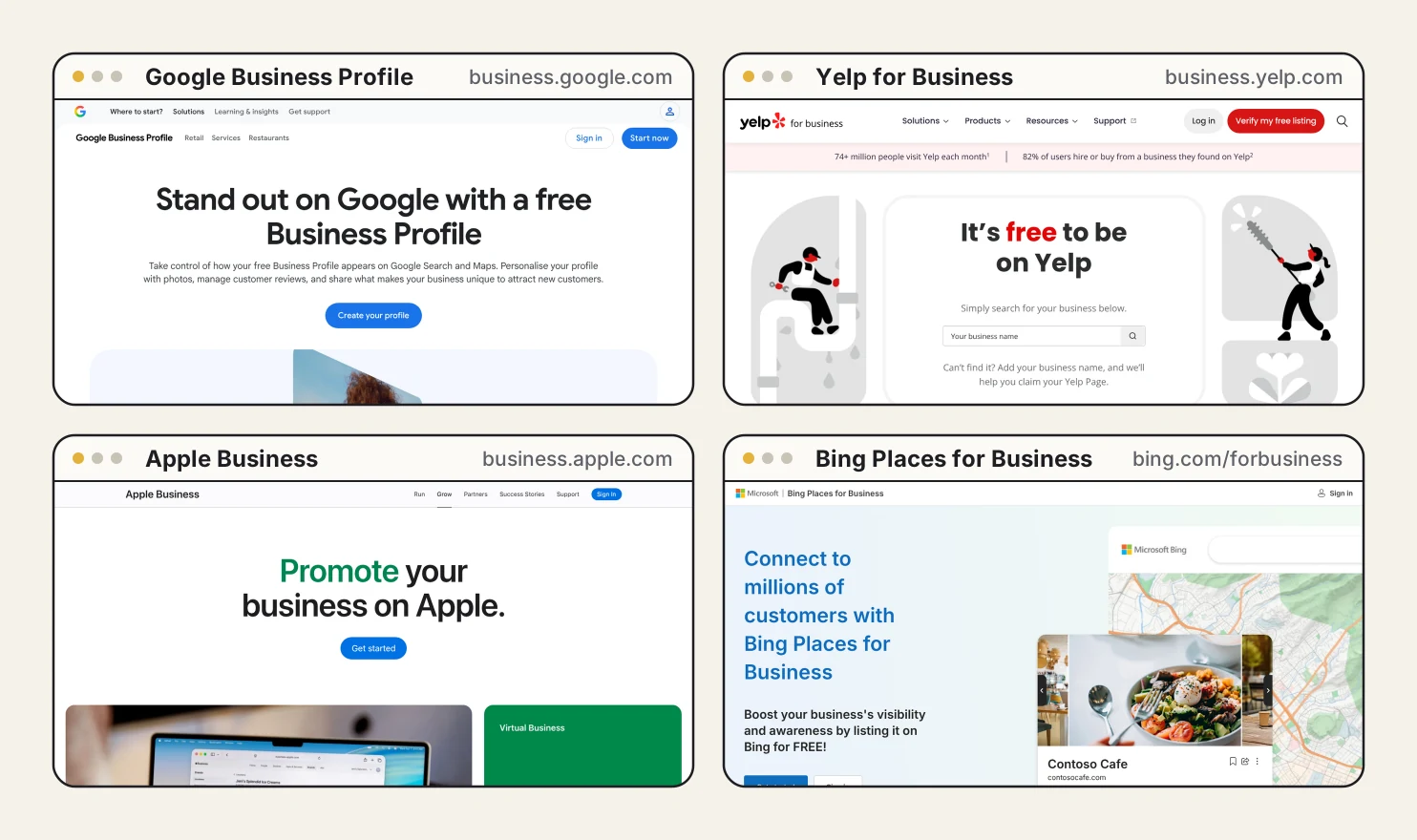
Make every listing say the same thing
Claiming is half the job. The other half is making them agree. If Google says you close at 5 and Yelp says 6, a customer can show up to a locked door, and an AI assistant can repeat the wrong one.
The platforms check, too. Bing says it applies changes to your name, address, phone, hours and category only when they line up with what it finds elsewhere, and that mismatched changes may not publish or may be overwritten. Google asks for your business name as customers know it from your sign, website and paperwork, and says extra words in the name can get a profile suspended.
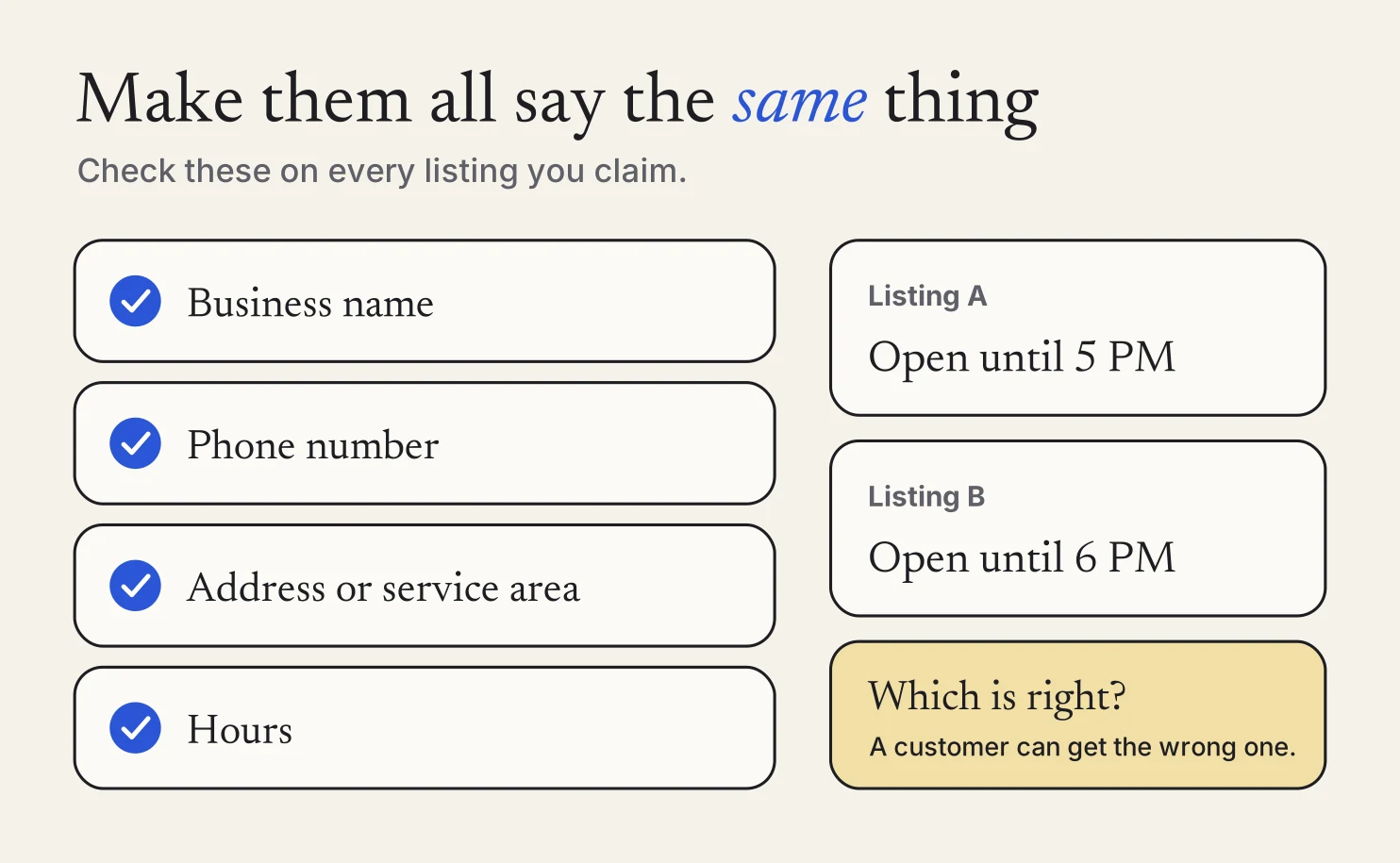
On every listing, check:
- Business name. Spelled the same way everywhere, with no extra words like “Best Plumber in Tacoma.”
- Phone number. One number, and the one you actually answer.
- Hours and service area. The same days, times and towns.
- Address. Shown or hidden the same way. If customers don’t come to you, hide it on Google and Bing and list your service areas.
- Logo and photos. Your current logo and a few recent photos of your work.
Your website should match too
Almost every listing links to your website, so it’s part of the same story. If your site runs on Meep, it tells search engines your hours and points to your Google Business Profile and social pages in code they read. Keep your site’s hours, phone number and services the same as your listings.
The short version
Claim Google first and import it into Bing. Claim Apple, Yelp and ChatGPT. Then make every one say the same name, number and hours. The setup takes an afternoon and verification takes a few days. After that, wherever a customer looks, they get the right answer.
If you’re a Meep customer and want a hand lining up your listings, reach out. We’ll walk you through it.
FAQs
Is it free to claim these listings? +
Google, Bing, Yelp, Facebook and Nextdoor all say a basic listing is free, and you don’t need to buy ads to claim one. Apple doesn’t list a price for adding a location in Apple Business.
Which one should I do first? +
Google Business Profile. It covers Google Search and Maps, and Bing Places can import it. If Google already verified you, Bing verifies the import automatically.
I run my business from home. Do I have to show my address? +
No. Google and Bing both let businesses that go to their customers hide the address and list up to 20 service areas instead. Google asks you to remove your address if customers don’t visit it.
Someone else already claimed my listing. What now? +
Each platform has a way to ask for it back. Google lets you request ownership from the current owner, Bing has a request access option, and Apple lets you request a transfer with proof such as a business license or utility bill.
Sources: Google: Add or claim your Business Profile, Google: Verify your business on Google, Google: Guidelines for representing your business, Google: Manage your service area, Apple: Sign up for Apple Business, Apple: Add a single location in Apple Business, Bing Places: Manage your listing, Bing Places: Sync your Google Business Profile, Yelp: The ultimate guide to claiming your Yelp page, Meta: How to create a Facebook Page for your business, Nextdoor: Business Pages, OpenAI Help Center: Setting up your business on ChatGPT.
General information for small business owners, not legal, tax, or financial advice. Last updated November 11, 2026.